December 23, 2013

World of Thieves - New Free Demo

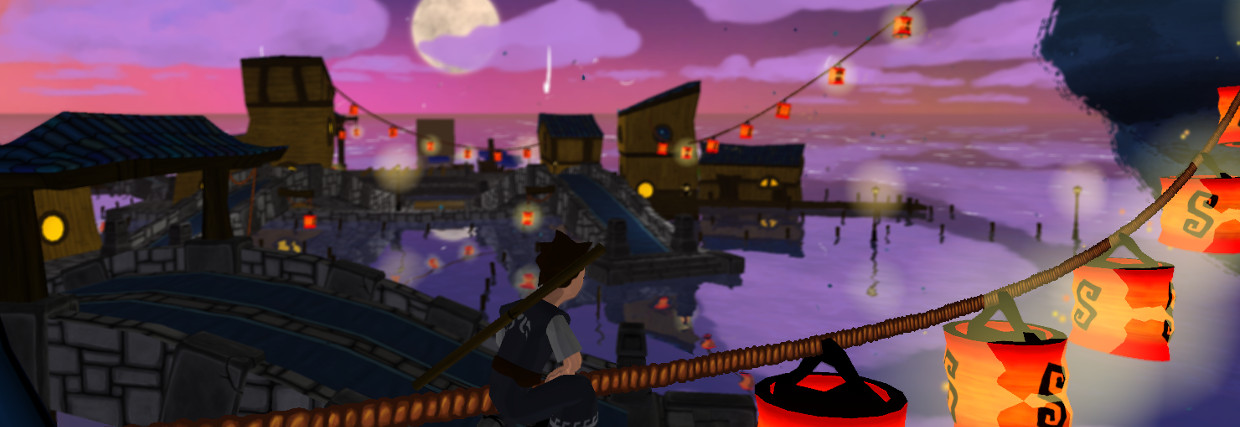
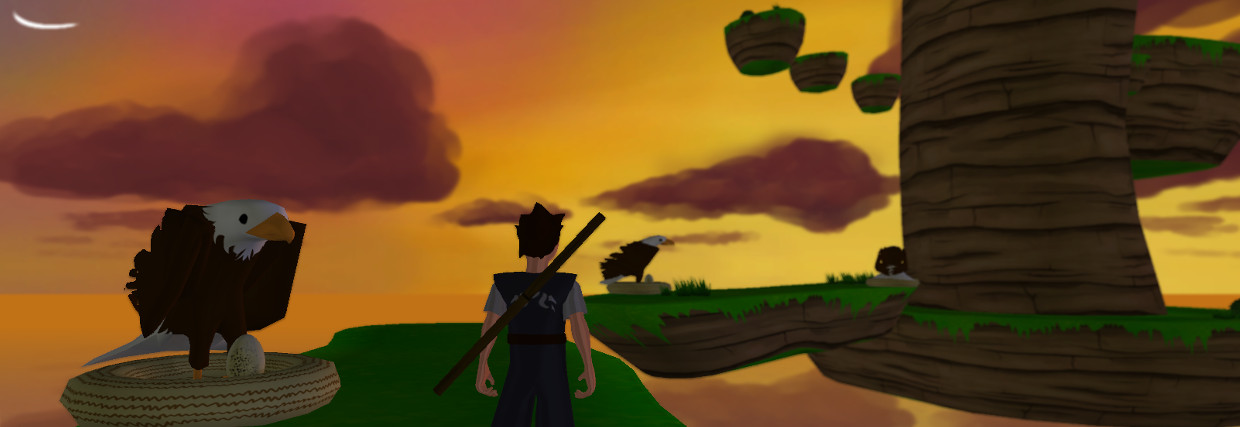
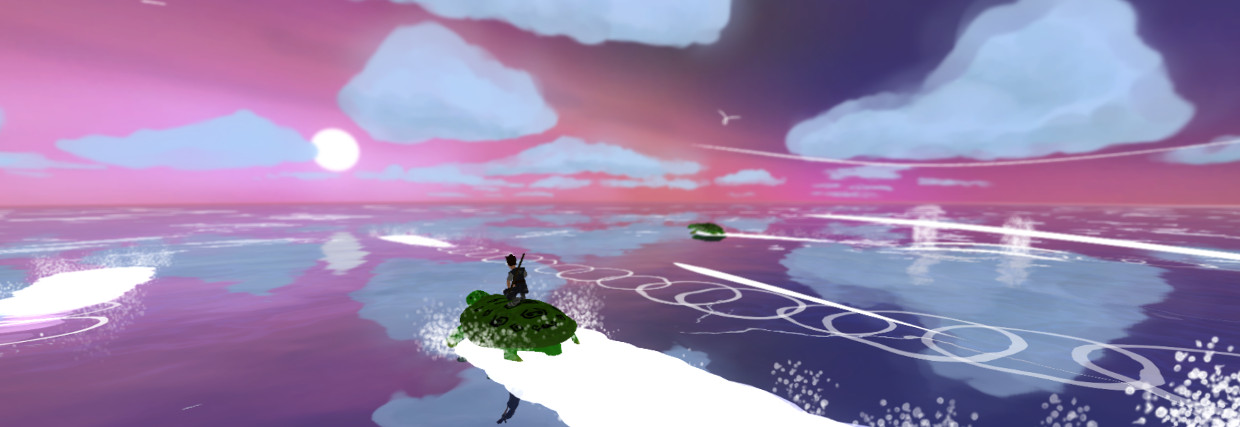
And here is the last demo of World of Thieves, a 3D adventure/stealth game between "Zelda" and "Beyond Good and Evil". Don't hesitate to test/share/reblog/comment/like if you want to help me!


This is the end of December demo!This is the first "complete" demo, with all levels built together, and a global (simple) story going on. And from now on, you can complete an online survey to tell me about the game.

Controls:
  • QSDZ or arrows: move the character. By default it's AZERTY-friendly, but you can change the config in 5s on the splash screen.
  • space: jump and climb
  • mouse move: move the camera
  • mouse wheel: zoom
  • left click: attack
  • multiple left clicks: chain attacks
  • hold and release left click: mega attack
  • hold right click: aim with secondary weapon
  • release right click: shoot with secondary weapon.At the moment, you can't shoot while running.
  • E: weapon menu (useless in this demo)
  • A: mission list
  • Tab: head up display of the map... if you have one.

There are four weapons (but only the bo and the slingshot are effective in this demo):
  • Bo (woodstick): basic melee weapon
  • Slingshot and stones: use it to catch the attention of enemies. 
  • Bow and arrows: to make enemies sleep.
  • Graple: useful to get onto unreachable walls.

Easter Egg: OK... That wasn't intended but there is still something quite funny to discover in the title menu... Beware it's quite difficult to find

Bug hunt and feedback: As usual, contact me for bugs or any feedback.

Have fun! Peace! and Merrrrrryyyyyy Christmaaaaas!

December 2, 2013

First stealth level

After this week demo, I will talk about little enhancements and the creation of the first stealth level in a pirate warehouse!


I - Little enhancements

  • I added a new screen for object discovery: the first time you find a casual item or every time you find an important item, a little screen pops up to explain what it is an how it works, with a little animation of the item.
 The new item discovery screen
  • I also tested to add a cast shadow everywhere, just to see the effect. Maybe it won't make it until the end, but it's not too expensive to test (in terms of work). This made me discover a lighting bug: there is some light flickering when the sun sets down and the moon raises because Unity only renders shadows cast by the most powerful light. So I had to smooth light transition between the sun and the moon.
  • Then I wanted to work on the graple animation of the character, because it's the only one that hasn't been set yet (even if only in a rough state). I had a very hard time designing the graple itself, to the point where I gave up because I was losing too much time on it. Maybe later... But I set up the basic aiming and flying animations, which makes the trick already.
 I belieeeeeve I can flyyyyy : the graple animation! (This item is not usable in the demo...)

  • And finally I worked a bit on the AI of the enemies: I added some reaction when they see one of their colleagues down. So now, they can check out the fallen guy and look around if they spot you. The problem was that I wanted them to remind which guard was down, otherwise, they would check each time... So I implemented some kind of relatively simple memory to avoid this stupid behaviour.

II - Item creation and level design


Another big part of this month work was to create items, including modelisation and texturing of simple objects: nets, pontoons, lanterns, various wood stuff, ramps, ramp poles, chests, doors, switches, keys, ropes, apples, map, ...  But, of course, modeling a door and a switch does not make them interact together. So I coded "simple" (and obvious) systems to make a switch open a door, a chest give items once opened, an apple restore life, ...
 
Aaaah! Lantern and fireflies... :)

Meanwhile, I gathered all those items to construct a "simple" level. I wanted to create the first stealth level (even if you can fight against the enemies). By the way, it would be the first level with pirate enemies. In order to create this first level, I made various logical schemes (even if not very complicated), and ended up with a simple level design: a warehouse secured by a magnetic key where pirates keep their stuff. I added 2 other "big" buildings around to make it more believable: a restaurant (where the guys would eat) and a dormitory set up in a former sailing ship (for the pirate-ish look). I wanted wood, sails, nets and ropes everywhere to accentuate the style.

Once the basic idea was established on the paper, I created the level in Blender using it as a level editor rather than using Unity 3D (which is supposed to have level editor capabilities), because I found out that object positioning is not that precise in Unity. Moreover, and most importantly, I can't model objects in Unity, I can only copy and instantiate objects already modeled in Blender.

The level in Blender. I used a lot of "empty"s with special names to create all the "complex" objects (hero, enemies, doors, chests...) that will be replaced in Unity.

So, I enhanced my simple script dedicated to parse a level created in Blender to partially convert it into smart objects inside Unity (I already talked about this basic blender editor stuff here). I had to find a way to give "parameters" to objects in Blender that could be reinterpreted in Unity, for example: a parenting link is used to represent the key-door relation, a simple tag in the chest object name describes what can be found inside, same thing for a map point name, etc...

The level once imported in Unity. Complex objects are not replaced yet.

The level in Unity after replacing all the complex objects.

But... actually finishing the level (or at least polishing it until it had a nice look) took quite some time! I had to place more than 1800 items in this level! And it's really not big... Creating content may be longer than I expected... :p

See you next time!
Peace!


November 29, 2013

World of Thieves - New Free Demo

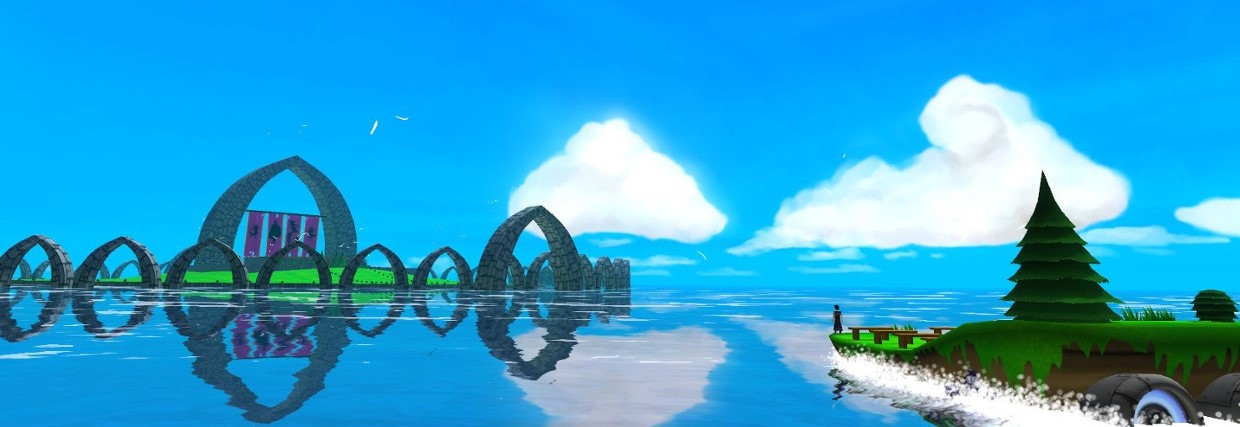
And here is the last demo of World of Thieves! It's a 3D adventure/stealth game between "Beyond Good and Evil" and "Zelda".


This is the end of November demo! I'm still quite unsatisfied with it... :( There are still crazy bugs in the climbing system and this first "stealth" level is not finished yet (so, once you found the red magnetite, there's nothing more to do except exploration). And the usual posts are coming to explain how this is done.

Controls:
  • QSDZ or arrows: move the character. By default it's AZERTY-friendly, but you can change the config in 5s on the splash screen.
  • space: jump and climb
  • mouse move: move the camera
  • mouse wheel: zoom
  • left click: attack
  • multiple left clicks: chain attacks
  • hold and release left click: mega attack
  • hold right click: aim with secondary weapon
  • release right click: shoot with secondary weapon.At the moment, you can't shoot while running.
  • e: weapon menu
  • tab: head up display of the map... if you have one.

There are four weapons (but only the bo is effective in this demo):
  • Bo (woodstick): basic melee weapon
  • Slingshot and stones: use it to catch the attention of enemies. 
  • Bow and arrows: to make enemies sleep. You need 4 of them to stun an enemy
  • Graple: useful to get onto unreachable walls.

Easter Egg: OK... That wasn't intended but there is still something quite funny to discover in the title menu... Beware it's quite difficult to find

Bug hunt and feedback: As usual, contact me for bugs or any feedback.

Have fun! Peace!

November 27, 2013

Gameplay video - Pirate warehouse


Here is another gameplay video of World of Thieves. This time, it's the pirate warehouse level. If you plan to play the demo, don't watch it, or else it will spoil you what you have to do.

November 25, 2013

Water interactions

Hi everybody!

Here is the usual sum-up of my recent activities, mainly water-character interactions here.

I - Swimming animation


OK! The first idea was to enhance the swimming of the character. So I first worked on the swimming animation in Blender in order to make it more believable (if you played the last demo or watched my last video, you may have noticed that there was no swimming animation).

And once the animation was done, I had to work on the transitions with the other possible states of the character. The more states already exist the more complex it is to insert and "connect" the new one. So I worked mainly on the following transitions:
  • swim / climb: the character  can now fall down into water while he is climbing, or jump out of water to a wall
  • swim / walk: the character can progressively come from a slight slope beach into water and once he is in a deep enough water zone, he transitions to the swimming state.
A very basic animation. But, we're only going to see the head out of the water anyway.

The final tweaks needed were on the swimming speed and "inertia". Of course, in water, a body is subject to the Archimedes principle as well as to some liquid friction. I started by coding the exact "realistic" forces, but those are not "reactive" enough to make the game nice to play. So I had to tweak the values and coefficients in the equations to give the game a good response time. But I'm not still quite satisfied with it. This may require more work.


II - Particles effects


Now the character swims! But visually, the moves in water seriously lack some water reaction.
I needed to add a few things:
  • a more or less huge splash when the character jumps into the water from a relatively high level
  • little splashes when the character walks in a bit of water
  • falling droplets from the character when he comes out of water
  • ripples and foam around the character while he's swimming
  • ripples and foam around land and platforms immersed in water
  • little water splashes for small object falling into water (arrows and stones mainly at the moment).
And finally, I had to set up the exact same water particle systems for ennemies.

Simple ripples and foam around the character


Foam around a little island and water splashes while the character walks in the water. Well, OK, it lacks a beach...


Little droplets falling from the character after a swimming session. Subtle... But more obvious with the animation.


Ripples around ennemies in water. This required to correct all the sizes and parameters of the water effects.


A few more updates are coming, hopefully with a new level in the next demo at the end of the week.


November 4, 2013

Gameplay Video


A little gameplay video of the current version of World of Thieves. There are still bugs, but you can get an idea of the style of the game.

November 1, 2013

World of Thieves - Fight Demo

And here is the last demo of World of Thieves! It's a 3D adenture/stealth game between "Beyond Good and Evil" and "Zelda".


Actually this demo is a single whole new level (some kind of pirate marina) to test the fight system. But you can also try the stealth approah if you want ;) However, I don't think this level will be in the final game, it's only a test level. There's no real goal except getting all the 74 "magnetite" bonus items. But you can wander around and see what happens.

Controls:
  • QSDZ or arrows: move the character. By default it's AZERTY-friendly, but you can change the config in 5s on the splash screen.
  • space: jump and climb
  • mouse move: move the camera
  • mouse wheel: zoom
  • left click: attack
  • multiple left clicks: chain attacks
  • hold and release left click: mega attack
  • hold right click: aim with secondary weapon
  • release right click: shoot with secondary weapon.At the moment, you can't shoot while running.
  • e: weapon menu

There are four weapons:
  • Bo (woodstick): basic melee weapon
  • Slingshot and stones: use it to catch the attention of enemies. 
  • Bow and arrows: to make enemies sleep. You need 4 of them to stun an enemy
  • Graple: useful to get onto unreachable walls.

Easter Egg: OK... That wasn't intended but there is still something quite funny to discover... beware it's quite difficult to find

Bug hunt and feedback: As usual, contact me for bugs or any feedback.

Have fun! Peace!